I built a gym timer
Eight+ years of training, and most gym timer apps are bloated. So I built BoxClock — an iOS timer for EMOM, AMRAP, and Tabata.
I built a gym timer…
Most people’s reaction to this statement is around the lines of — do we need another timer app? Followed by an eye roll or a smirk.
Well well well, I’m glad you ask that question!
Why does the world need another gym timer
I’ve been doing CrossFit for eight years now, and counting. I started in 2018, and never looked back. CrossFit is a high-intensity fitness program combining functional movements, such as lifting, running, and gymnastics, designed to improve overall physical capacity.
Why is that important? Well, in CrossFit, or other high-intensity fitness programs (e.g. Hyrox), we do a lot of interval-type trainings (a number of rounds, with a work and rest period). There are some known variations of these intervals, such as EMOM (every-minute-on-the-minute), or AMRAP (as many rounds as possible).
During my time as a CrossFit practitioner, I’ve tried most timer apps out there. There are a lot, I can tell you that. But surprisingly, most are bloated, though.
They try to be everything-apps — workout planners, diet trackers, video libraries, social feeds, all rolled into one.
And everything-apps end up charging a subscription too. I always felt significantly underserved for such a simple need: a clock that just runs the round.
I love those Rogue clocks that a typical CrossFit gym has on the wall, and I thought — what if I can have that on my phone?
BoxClock — A Gym Timer
So I built one: BoxClock.
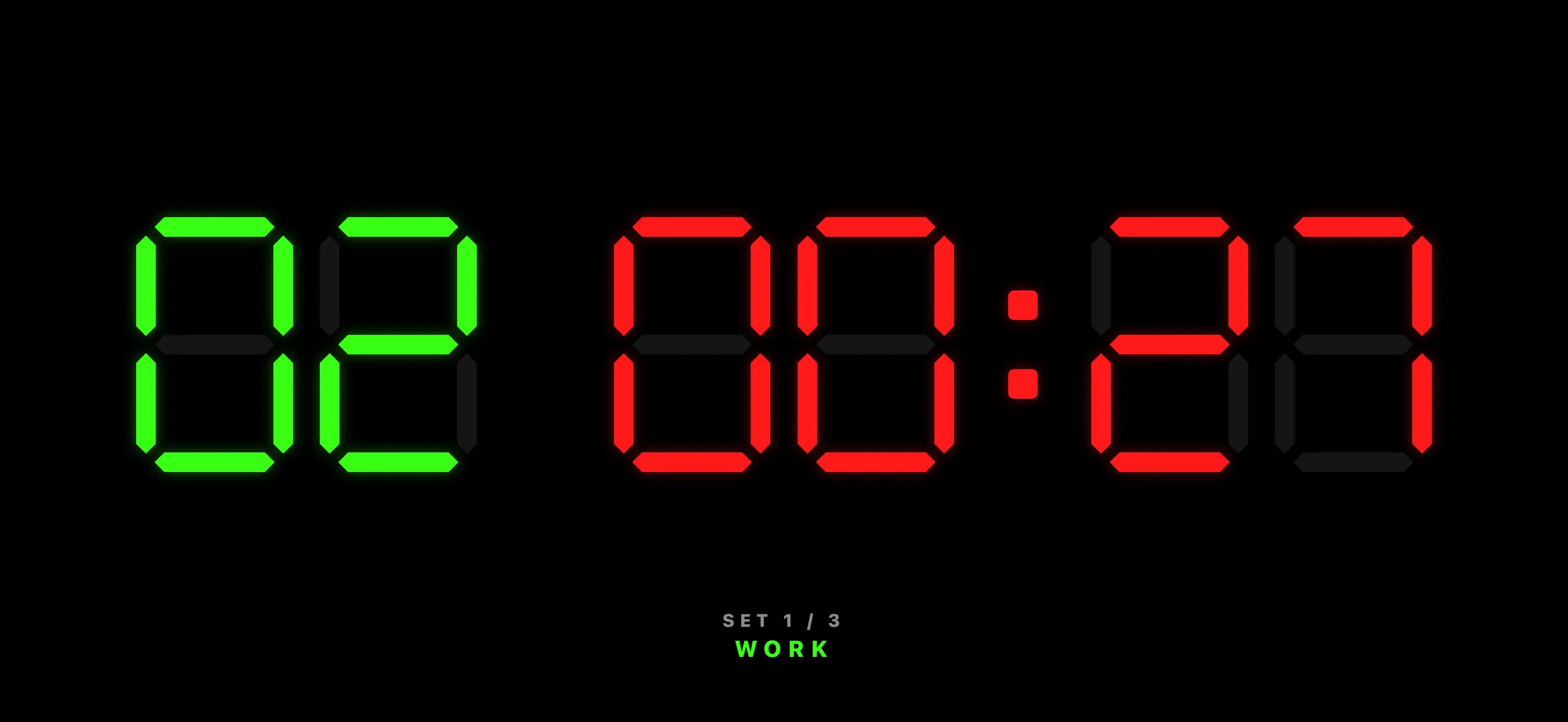
It looks like the LED timers bolted to the walls of real gyms. High-contrast digits, red and green and amber, readable from across the room. Seven modes: Clock, Stopwatch, Countdown, EMOM, AMRAP, Tabata, and Custom Intervals.
A few things I cared about getting right. The beeps don’t pause your music — Spotify, Apple Music, a podcast — they keep playing while BoxClock’s audio overlays on top.
Drop your phone face-down on the bench, lock the screen, leave the app: the cues still fire on time. Live Activities keep the timer alive on the lock screen and Dynamic Island, so you don’t have to unlock mid-set.
No subscription. No ads. No analytics. No account. Pay once, use forever.
BoxClock is free with a $4.99 one-time premium unlock. It’s available for iPhone and iPad.
If you want to check it out directly on the App Store, follow this link: https://apps.apple.com/app/boxclock-gym-timer/id6761938669
If you try it out, please leave a review or drop me a line, I would love to hear your feedback!